
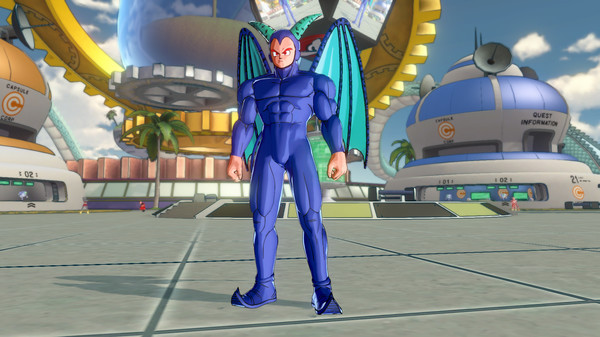
Dragon Ball XenoVerse - Screenshot 1



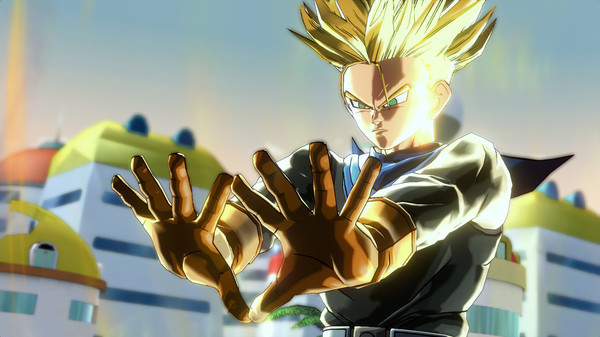
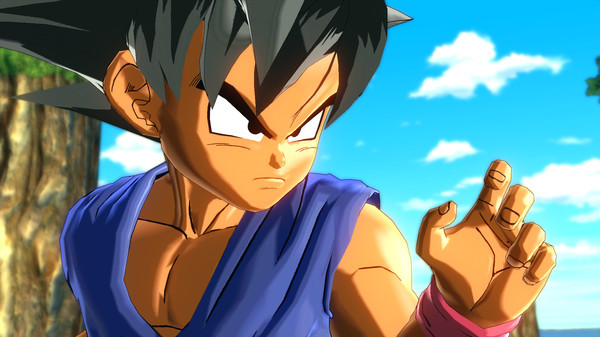
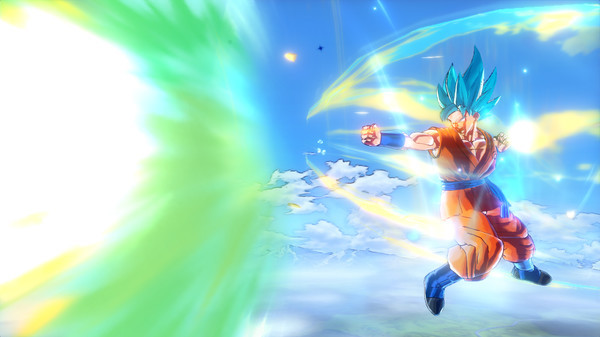
DRAGON BALL XENOVERSE revisits famous battles from the series through your custom Avatar, who fights alongside Trunks and many other characters. Will the strength of this partnership be enough to intervene in fights and restore the Dragon Ball timeline we know? New features include the mysterious Toki Toki City, new gameplay mechanics, new character animations and many other amazing features to be unveiled soon!
CUSTOM AVATAR – Players create their very own Dragon Ball character to take their place in the Dragon Ball world! Choose Earthling, Majin, Saiyan, Namekian or Frieza Clansman and start battling! NEW LOCATION - A once dormant clock has started to tick again in the enigmatic and futuristic Toki Toki City! NEW CHARACTERS - Mira, an android trying to become the strongest creature in the universe; Towa, a dark scientist coming from a demonic world; The Supreme Kai of Time, a deity who appeared 75,000,000 years ago and her companion bird Tokitoki, a very powerful lifeform that can produce time! THE MASTER SYSTEM - Choose an original Dragon Ball character as a Master to train under. Your skill set and training excersizes will vary depending on the Master you choose. Your Master may even suddenly appear in battle to assist you!
Step-by-step setup process
Please review these important details before installation
Install necessary apps from Redist or _CommonRedist to ensure game launches without any problems.
Always extract game in Antivirus / Defender excluded folder - Please check our FAQs to know why it is important.
Always run the game as administrator
For detailed guide, make sure to read Installation Guide.txt inside the game files.
Minimum specifications needed
This build ships with the online fix, so multiplayer and co-op work over the internet with friends running the same version — no extra patch to download. Everyone joins through the game's own lobby or invite system; keep the build identical on all machines when a new version is released. All games with an online fix
Action
202223.60 GB
Action
20116.80 GB
Community voices
Spot the sentiment at a glance, then dive into the stories that matter to you.
Average
/5recommend
100%
written
2
verified
1
Quick filters
Rating spread
Fresh off the press
Look for it at the top of the stream.
The best CR7
it was good game
Leaving AnkerGames
Your about to visit the following urlInvalid URL
Sign in to join the discussion · comment, reply and react
Discussion
Comments 11
wokomoko
· editedi had put this game into folder of defender exclusion but still its saying online.fix dll what should i do?
KING
· editeddoes the game has dlc ?
Joshua Omhenke-Ojo
· editedHow can i add the folder to defender exclusions
abdennour
· editedhow can i lunch the multiplayer and add my friende
mydeen
· editedonlineFix.DILL is either not designed to run on windows or it contain an error, How to fix this error
google
· editedsoo my game is launching but, its just a black screen, i get the sounds and i can input but there is no display apart form a black screen
tudor64x
· editedHey zoro! Is this game multiplayer?
Aban
· editedMine keeps on giving me the "Fatal error loading Steam." notification, someone help
Marci
· editedلم أعرف كيف أشغلها
Marci
· editeddon't know how to run it; two files appear, one is a Steam repair file and the other has the game's name
Darius Spearman
· editedThis game doesn't open it says "online.dll can't be found" is there any fix for this?