
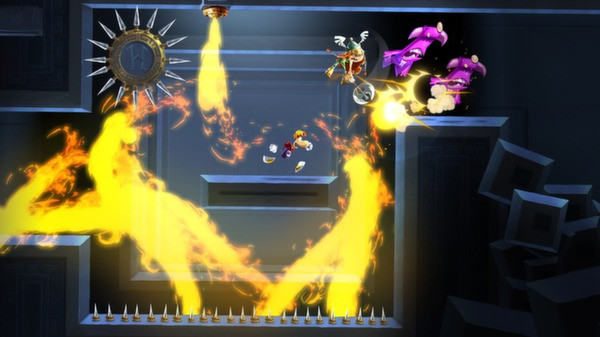
Rayman Legends - Screenshot 1



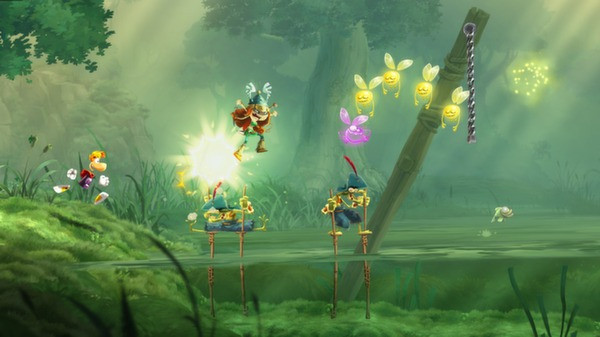
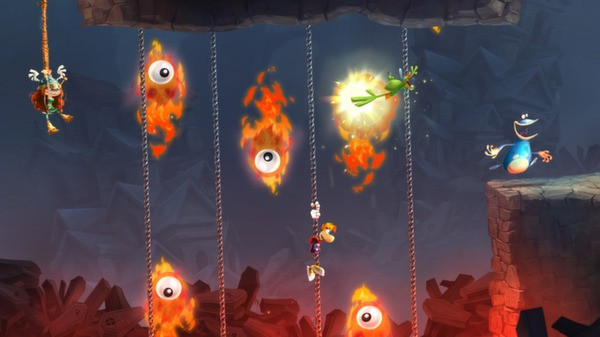
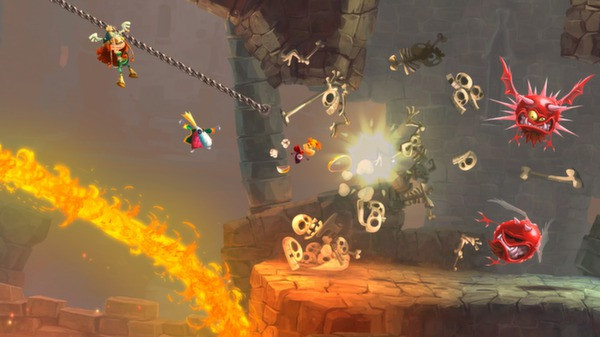
Michel Ancel, the celebrated creator of Rayman®, Beyond Good & Evil®, and the Raving Rabbids®, returns to unleash his innovative creativity on this new entry into the Rayman® franchise. When Rayman, Globox, and the Teensies discover a mysterious tent filled with captivating paintings, they are suddenly transported to a series of mythical new worlds!
Join them as they run, jump, and slap their way through each world to get home, save the day, and discover the secrets of the legendary paintings! FOUR-PLAYER CO-OP: You and three friends can seamlessly jump in and drop out of the action for non-stop fun! 3D BOSS BATTLES: Battle dragons and other epic creatures in an extra dimension! They can attack from all angles, so you’ll have to be on top of your game to defeat them. ROCKIN’ RAYMAN: Jump to the beat of a drum, punch to the bass line, even zip-line during amazing guitar riffs. Timing and rhythm is the key to beat these maps set to original and licensed musical tracks. Sonic & All-Stars Racing Transformed Collection
Step-by-step setup process
Please review these important details before installation
Install necessary apps from Redist or _CommonRedist to ensure game launches without any problems.
Always extract game in Antivirus / Defender excluded folder - Please check our FAQs to know why it is important.
Always run the game as administrator
For detailed guide, make sure to read Installation Guide.txt inside the game files.
Minimum specifications needed
This build ships with the online fix, so multiplayer and co-op work over the internet with friends running the same version — no extra patch to download. Everyone joins through the game's own lobby or invite system; keep the build identical on all machines when a new version is released. All games with an online fix
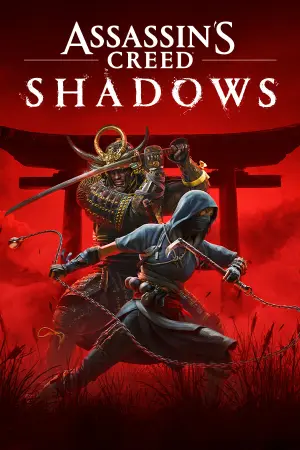
Action
2025154.70 GB
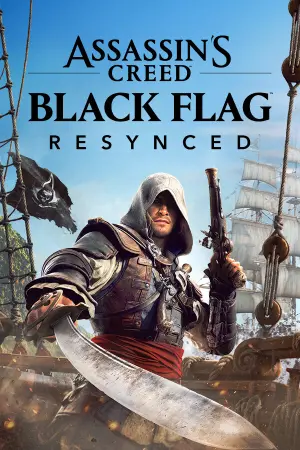
Action
202668.30 GB
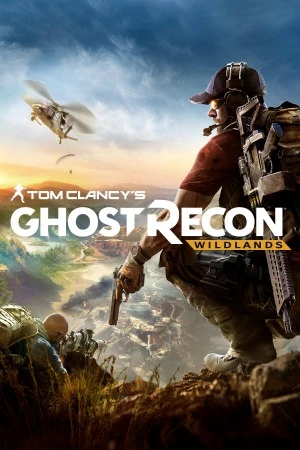
Action
201771.40 GB
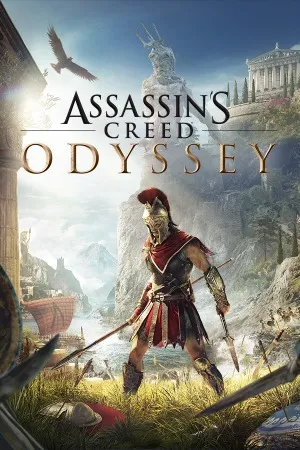
Action
201882.30 GB
Action
201920.20 GB
Community voices
Spot the sentiment at a glance, then dive into the stories that matter to you.
Average
/5recommend
100%
written
0
verified
0
Quick filters
Rating spread
Fresh off the press
Look for it at the top of the stream.
Leaving AnkerGames
Your about to visit the following urlInvalid URL
Sign in to join the discussion · comment, reply and react
Discussion
Comments 13
idkwhattochoose_1
· editedIt doesnt start, when i launch it, they just show a black screen and then the game crashed or like closes itself.
juanliporaci
the game does not start
KILIANE237
· editedon me de mande steam mais je suis a windows 8.1 des soluces
Hyperxtro
peak
maka
How to connect controller to the game?
vito.basso
· editedmy game wont lunch i download the c++ u said about and disabbled the real protection and installed uplay tried running as a administartor still not working
King foszer
· editedfor me its saying that my application was unable to start correctly, i tried everything i saw in the comments, but the issue remained
aissa
· editedit says that the game miss some filles what shoud i do
Monty
· editedI've downloaded it, and I did have uplay, but it's saying that "The code execution cannot proceed because uplay_r1.DLL was not found". Within both the files downloaded and Ubisoft Connect/Uplay is a "uplay_ri.dll" file. Is this a capitalization issue or is this a separate file that is needed?
NIGGGGGA
· editedWhat do I do after downloading?
cyberloads
if your game isn’t launching go to Rayman-Legends-AnkerGames\Rayman.Legends\Rayman Legends\Support then install UplayInstaller and go back to the game
to change the language open cream_api.ini change language to english and save the file
enjoy :)
dafox_nwa
· editedhum.. why is my game in ukrenian ?
poyaxo
· editedThe game does not launch.