
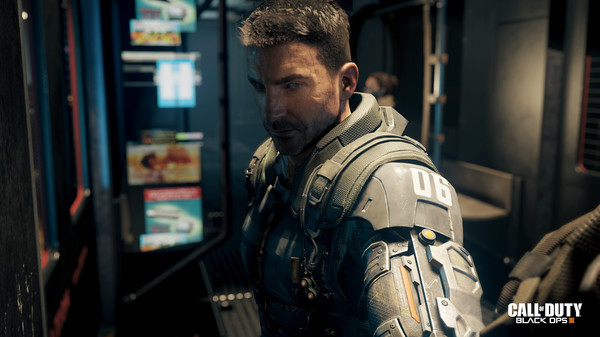
Call of Duty Black Ops III - Screenshot 1



Call of Duty®: Black Ops III Zombies Chronicles Edition includes the full base game and the Zombies Chronicles content expansion. Call of Duty: Black Ops III combines three unique game modes: Campaign, Multiplayer, and Zombies, providing fans with the deepest and most ambitious Call of Duty ever.
The Zombies Chronicles content expansion delivers 8 remastered classic Zombies maps from Call of Duty®: World at War, Call of Duty®: Black Ops and Call of Duty®: Black Ops II. Complete maps from the original saga are fully remastered and HD playable within Call of Duty®: Black Ops III. The Zombies may be slightly overrated, but it's still one of the top 3 Zombies modes we've had without a doubt. Every map this game has is a treat to play and learn and Zombies Chronicles is a really nice and interesting addition, although some of the remasters/remakes leave a little to be desired. On PC the Zombies experience is even better, with a very active modding community dedicated to making brand new custom Zombies maps constantly. You're never going to run out of maps and content. Whether you're playing by yourself or with a few friends, Zombies is a blast. Call of Duty: WWII
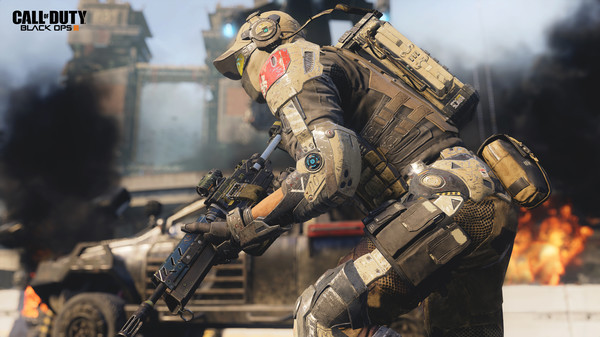
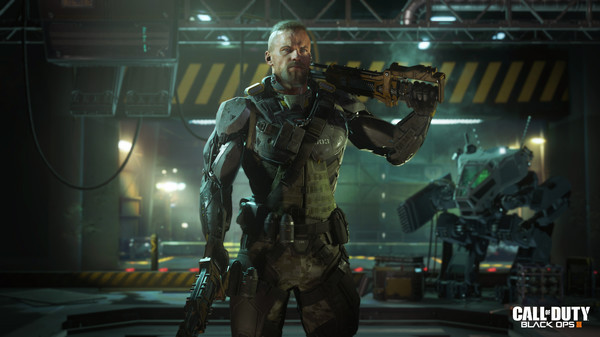
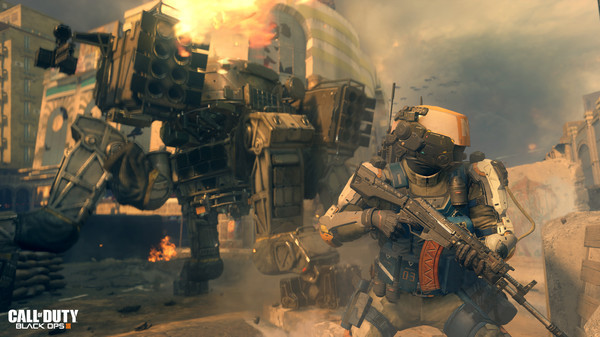
Step-by-step setup process
Please review these important details before installation
Install necessary apps from Redist or _CommonRedist to ensure game launches without any problems.
Always extract game in Antivirus / Defender excluded folder - Please check our FAQs to know why it is important.
Always run the game as administrator
For detailed guide, make sure to read Installation Guide.txt inside the game files.
Minimum specifications needed
Action
201220.60 GB
Action
202447.20 GB
Action
201010.80 GB
Action
202289.10 GB
Action
202534.00 GB
Action
2016103.50 GB
Community voices
Spot the sentiment at a glance, then dive into the stories that matter to you.
Average
/5recommend
100%
written
0
verified
1
Quick filters
Rating spread
Fresh off the press
Look for it at the top of the stream.
Leaving AnkerGames
Your about to visit the following urlInvalid URL
Sign in to join the discussion · comment, reply and react
Discussion
Comments 62
Pinned by moderators
moro0109
· editedHello to fix the error “Could not find zone/” and “Could not find zone/en_core_specialists.ff.” and BOIII needs an active internet connection (a proble when you start BOIII)
(en_core_pre_gfx problem)
.1 go to Call Of Duty Black Ops III main folder
.2 go to _Language Pack
.3 choose whatever language you want, enter that language you select, There will be a "zone" folder; copy it, go back to the initial Call of Duty Black Ops III main folder, paste it, replace all the files, and accept.
and thats it for that error
i only try with english, idk if other lenguage works so keep off mind for thtat, if your lenguage of choise dont work, go download a lenguage pack and follow the instruction
for the problem of BOIII NEED A INTERNET CONEECTION
jay
· editedit says i have no license
Joker
· editedbro pls help me I am not able to launch the game
Joker
· editedI am not able to launch the game
when I clicked the game main file it is showing stream not found and then after then nothing is showing to me
pls help me to launch the game
when I am now clicking the game now it is not showing me nothing not even a error pop up but it is not opening
pls help me asap
Tsokezo Kenne
· editedest ce que je peux jouer en ligne sur internet avec mes amis
Santiago Bolivar
· editedCould you help me get into the Discord? My username is sbolivar3, but I’m being denied access.
Ryken Vi
· editedPlease update to the latest version
Hitansh Venkat
· editedSo i downloaded the game and when I'm trying to extract the game file it says "Data error (cyclic redundancy check"
I've disabled the antivirus and it still dosen't work.
Anas
· editedcan i play zombies with my online friends? and i can how can i do that
DeadPoolSM
No entiendo qué pasa, primero me dice que hay problemas de licencia con Steam porque no tiene licencia, luego entro con una versión menor de BOI
Nada funciona. Lo que recomiendo es instalar esto: https://docs.cbservers.xyz/games/boiii Luego seleccionáis el juego que habéis descargado de aquí, donde lo habéis descomprimido con 7-Zip, y le dais a «Ya lo tienes instalado». Luego seleccionáis la carpeta del juego (no desde fuera, directamente la carpeta del juego). Entrad en esta y dais a «Seleccionar», respectivamente. luego le das a veficiar o continuar y listo dejas que lo escale todo, luego aparece el juego y le das jugar es todo
mokaaaaa
· edited日本語への切り替え方
borish
· editedhow to launch the game
thanon
how to change languages
jirik357
· editedi have an error, that i can´t extract the files, what should do ? (error code is 0x80004005)
yes123
Will there be multiplayer?
Marjing
· editedCan you please update to 2025 version