
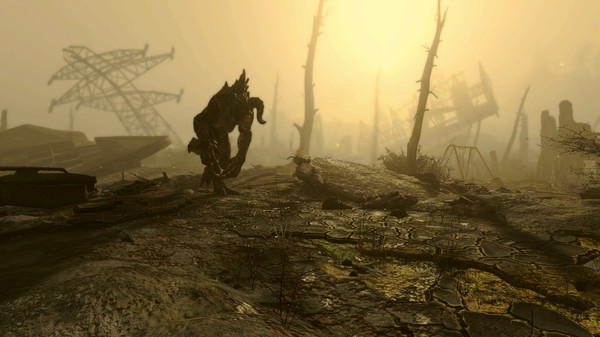
Fallout 4 - Screenshot 1



Bethesda Game Studios, the award-winning creators of Fallout 3 and The Elder Scrolls V: Skyrim, welcome you to the world of Fallout 4 – their most ambitious game ever, and the next generation of open-world gaming. As the sole survivor of Vault 111, you enter a world destroyed by nuclear war. Every second is a fight for survival, and every choice is yours. Only you can rebuild and determine the fate of the Wasteland. Welcome home.
Do whatever you want in a massive open world with hundreds of locations, characters, and quests. Join multiple factions vying for power or go it alone, the choices are all yours. Be whoever you want with the S.P.E.C.I.A.L. character system. From a Power Armored soldier to the charismatic smooth talker, you can choose from hundreds of Perks and develop your own playstyle. We Were Here Forever
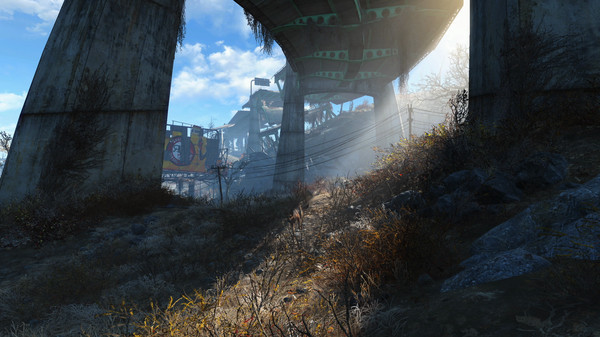
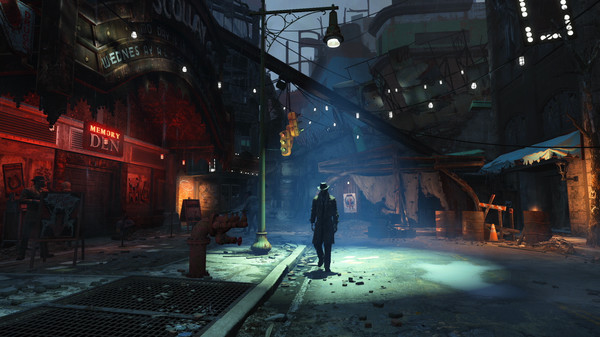
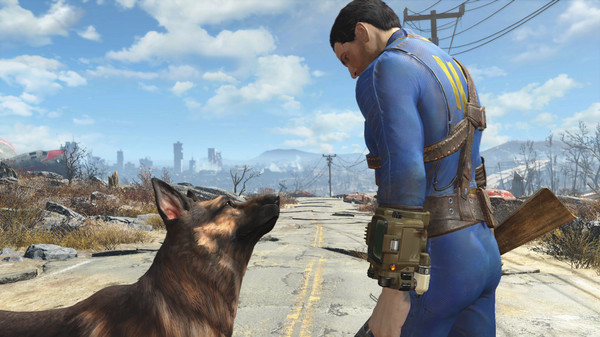
Step-by-step setup process
Please review these important details before installation
Install necessary apps from Redist or _CommonRedist to ensure game launches without any problems.
Always extract game in Antivirus / Defender excluded folder - Please check our FAQs to know why it is important.
Always run the game as administrator
For detailed guide, make sure to read Installation Guide.txt inside the game files.
Minimum specifications needed
Adventure
201612.70 GB
Action
20086.80 GB
Adventure
2025123.90 GB
Fantasy
20065.20 GB
Community voices
Spot the sentiment at a glance, then dive into the stories that matter to you.
Average
/5recommend
100%
written
2
verified
3
Quick filters
Rating spread
Fresh off the press
Look for it at the top of the stream.
play this game all the time when im bored fallout always makes my day :)
como siempre perfecto y la traduccion al español un lujo dlcs completos y en 100% escepto los bugs del propio buguesta jajaja


Leaving AnkerGames
Your about to visit the following urlInvalid URL
Sign in to join the discussion · comment, reply and react
Discussion
Comments 27
uwu05580
· editedhow do i put the creation kit inside fallout 4 file since i cannot find any of the creation content in the game
Tes
· editedfallout 4.ini file sLanguage set to english, sResourcearchivelist= fallout4-voices.ba2, steam_emu.ini file set language as english. everything thing in the game is english except the voice of characters. i tried everything i can. how do i change character voices to english? Someone please help
Darin
· editedHey!
The Creation club content are installed but they dont show up in game for some reason. Is there any fix?
Arkantos
· editedIs it possible to install mods to this preinstalled game?
misskittykat_
for anyone getting the Japanese voiceover, this is the solution that worked for me:
Go to your Documents folder -> My Games -> Fallout4.
Open Fallout4.ini with Notepad.
Press Ctrl + F and search for [Archive].
Look at the line sResourceArchiveList2=. It will contain a list of data files.
Look closely for Fallout4 - Voices_ja.ba2 or something similar with a _ja suffix. Delete the _ja so it strictly reads Fallout4 - Voices.ba2.
Ensure your sLanguage= under [General] is set to en.
Save the file and restart the game.
art_3a
· editedi alr change the .ini file for EN language, but it doesnt work, my game still run on JP language, and i found no EN.ba2 on the folder, can you give me the file ba2 for english pls ?
Thank You
GopperSlap0-0
· editedhow do i change the language?
lito08515
· editedARE ALL THE DLC INCLUDED?
weston
· editedanyone know how to fullscreen?
whoeedees
Anyone knows how to get London DLC running with this?
Amir H
· editedI don't see the creation content bundle in the downloaded file, is it included?
Ferxxo
· editedcuanto pesa descomprimido??
MESSI 10
· editedis this the latest version? B21143687 ?
John
· editedwhat is the final size
despektor
¿¿ Como cambio puedo cambiar el idioma de ingles a español ??