
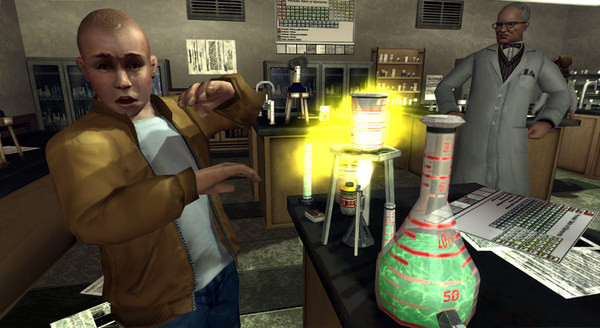
Bully Scholarship Edition - Screenshot 1



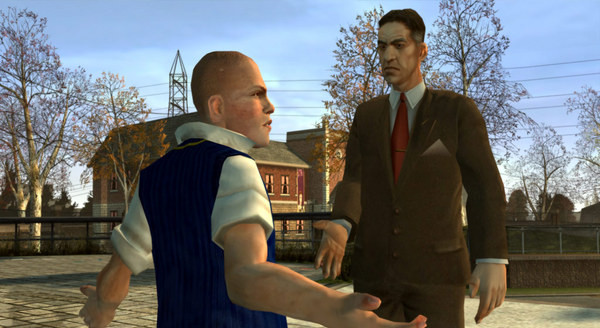
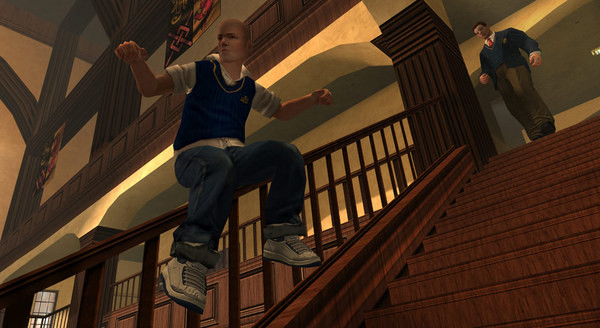
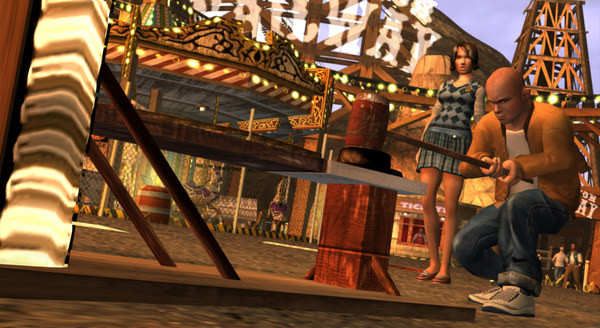
Bully: Scholarship Edition takes place at the fictional New England boarding school, Bullworth Academy, and tells the story of mischievous 15-year-old Jimmy Hopkins as he goes through the hilarity and awkwardness of adolescence. Beat the jocks at dodge ball, play pranks on the preppies, save the nerds, kiss the girl and ultimately navigate the social hierarchy in the worst school around.
As for the gameplay, it's mostly lifted directly from the Grand Theft Auto series, minus the drugs and killing, with a high school spin on things. For better or worse, it takes those familiar GTA mission structures and finds so many ways to apply them to a high school. There are races, chase missions, stealth missions, even a few turret sequences. It's incredibly creative and even though not all the objectives are the most fun, the cut scenes surrounding them never fail to deliver some good comedy throughout.Scholar Edition
Step-by-step setup process
Please review these important details before installation
Install necessary apps from Redist or _CommonRedist to ensure game launches without any problems.
Always extract game in Antivirus / Defender excluded folder - Please check our FAQs to know why it is important.
Always run the game as administrator
For detailed guide, make sure to read Installation Guide.txt inside the game files.
Minimum specifications needed
Early Access
Action
20256.56 GB
Community voices
Spot the sentiment at a glance, then dive into the stories that matter to you.
Average
/5recommend
100%
written
3
verified
3
Quick filters
Rating spread
Fresh off the press
Look for it at the top of the stream.
be
best ever

fez a minha infância


Leaving AnkerGames
Your about to visit the following urlInvalid URL
Sign in to join the discussion · comment, reply and react
Discussion
Comments 40
Pinned by moderators
Carzed
Mod · editedIf it shows you side by side configuration error when u open the game you need to install all the vc redists , directx and other things mentioned in the install guide below
https://ankergames.net/article/installation-guide
katherina
· editedhi, ive been playing normally, yet as i was playing the halloween mission it just crashed! i tried once again, and the same happened. I know very little about computers and stuff, please help me!! im not sure what to do, dont wanna lose my progress or have to buy the game either :(( thank you
Abhishek
· editedBro i'm not able to play it on full screen even if i set it to resolution 1920x1080 it just bigger the game and cut the screen like maps objectives etc . The game show fully on only on 800x600 ratio and rest of screen turns black
Moose
· editedits side by side config is incorrect thats the message im getting when i try to play it how do u fix it?
rtygt
· editeddo we have to give money to start
Lintony Taguta
· editedFOR ME ITS WORKING NICE NO CRUSHES
mike
· editedto fix the missing directx files, go to bully scholarship edition > DirectX (just scroll down to see the file) > DXSETUP then set up the things and the game will load normally
Yusuf ÇAKIR
· editedGuys, you need to install SilentPatch for the crash fix. The game might have problems running on Windows 10/11. Have fun!
Mike Shahan
· editedI had to download DirectX
Anurag Paniphukan
· editedHi Zoro, I installed the 2005, 2008 and 2010 required redistributables and the game is running fine. But the game always keeps crashing mid game, is there anything I can do to fix it?
DXGAT
· editedHey ZORO game is crashing and showing d3dx9_38.dll was not found
luka
· editedhey zoro i updated drivers installed all c++ and i am running game as administrator it just wont play just take me back to home screen on windows please help it would be great if you reply fast.Thanks
Johnmer pogi
· editedside by side configuration is incorrect how to fix
allefy
· editedMicrosoft Visual C++ 2005 Service Pack 1 -> vcredist_x86.exe
zzz
· editedgetting a couple errors even tho i downloaded the visualc++ thing the first one is the code execution cannot proceed because XINPUT1_3.dll was not found and the second one is the code execution cannot proceed because d3dx9_38.dll was not found. any solutions ??