
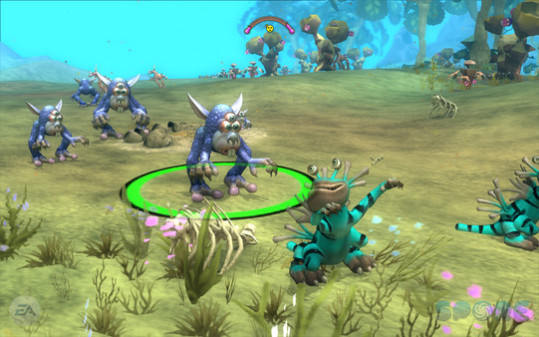
SPORE - Screenshot 1



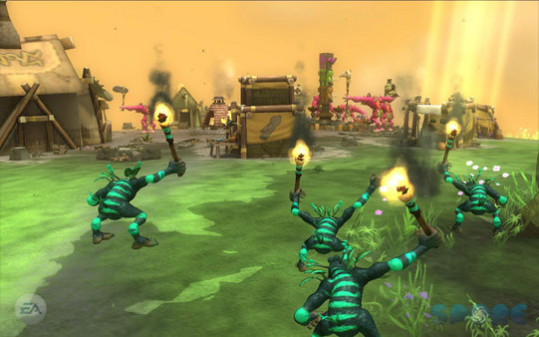
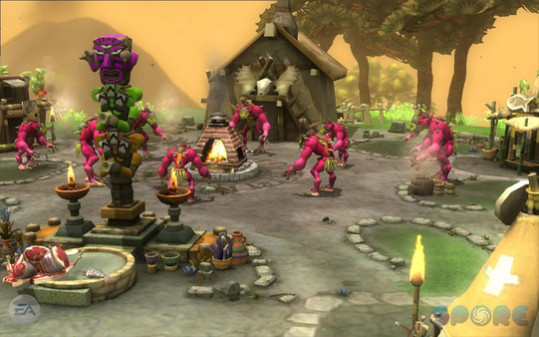
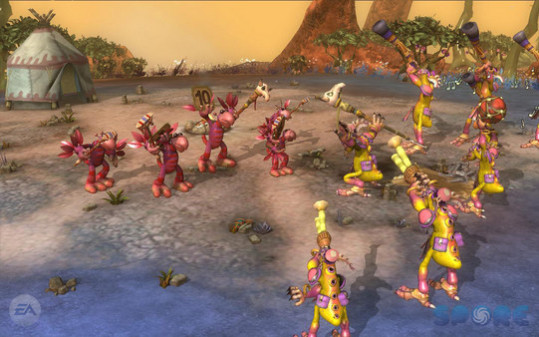
Play through Spore's five evolutionary stages: Cell, Creature, Tribe, Civilization, and Space. Each stage has its own unique style, challenges, and goals. You can play how you choose: Start in Cell and nurture one species from humble tidepool organism to intergalactic traveler, or jump straight in and build tribes or civilizations on new planets. What you do with your universe is up to you.
Play through Spore's five evolutionary stages: Cell, Creature, Tribe, Civilization, and Space. Each stage has its own unique style, challenges, and goals.
You can play how you choose: Start in Cell and nurture one species from humble tidepool organism to intergalactic traveler, or jump straight in and build tribes or civilizations on new planets. What you do with your universe is up to you.
Spore gives you a variety of powerful yet easy-to-use creation tools so you can create every aspect of your universe: creatures, vehicles, buildings, and even starships.
Step-by-step setup process
Please review these important details before installation
Install necessary apps from Redist or _CommonRedist to ensure game launches without any problems.
Keep your antivirus on. If it quarantines a file and the game will not start, do not exclude the folder or switch protection off. Compare the archive's SHA-256 with the hash listed for the download, where there is one, then follow our Safety & Verification page to report it. If you decide to restore a file, restore that one file only.
Run the game as administrator only if it will not start or cannot save without it.
For a detailed guide, read the Installation Guide on our website.
Minimum specifications needed
Community voices
Spot the sentiment at a glance, then dive into the stories that matter to you.
Members earn 100 site points for an approved review of a game they downloaded here.
Average
/5recommend
100%
written
0
verified
0
Quick filters
Rating spread
Fresh off the press
Look for it at the top of the stream.







Leaving AnkerGames
Your about to visit the following urlInvalid URL
Sign in to join the discussion · comment, reply and react
Discussion
Comments 8
Carzed
ModFor SPORE first run the bat file as administrator , then run SporeApp.exe
BAT File only needs to be run one time i.e when you download the game , so that it populates the registries. The user can subsequently run SporeApp.exe whenever he wanna game again
Progamer266
· editedzoro how do i fix error 1004?
anker
· editedi downloaded this and it told me there is a file missing. what i can do now?
elGB_Facherito
· editedHello Zoro, I just wanna say that u make an amazing job, seriusly, thanks for all. Anyways, can u pls tell me how do I open the game? I already tried many ways, but still not working. Thanks.
Hazu
· editedZoro how to run the game?
cham
· editedThe game is giving me an error and I don't know what to do anymore. Help, Zoro!
Mason
Hey zoro, how exactly do i go about fixing the 2000 and 1004 code errors, safely?
peter