
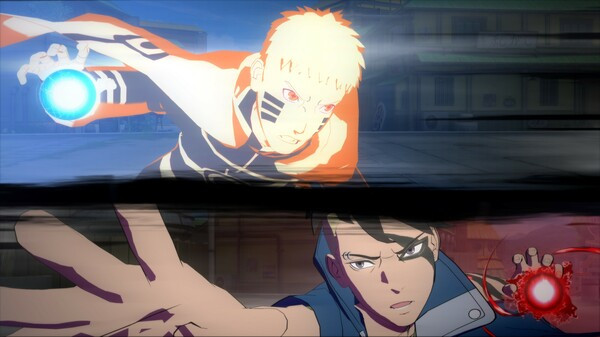
NARUTO X BORUTO Ultimate Ninja STORM CONNECTIONS - Screenshot 1



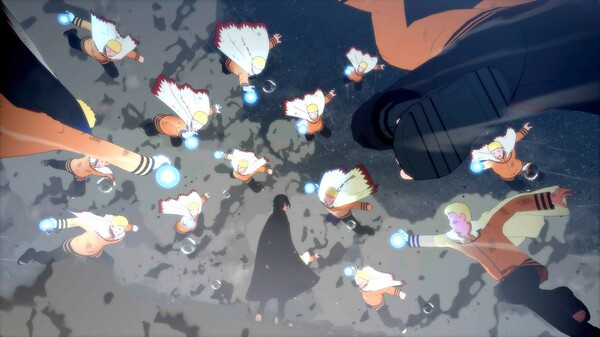
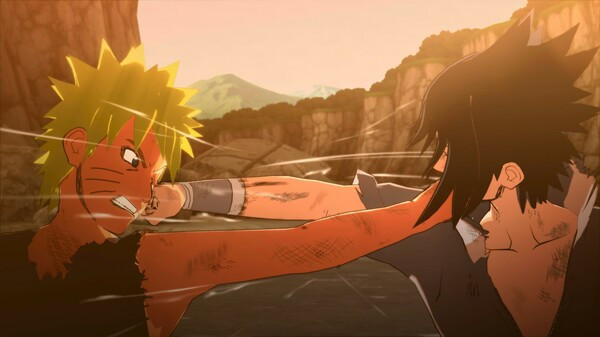
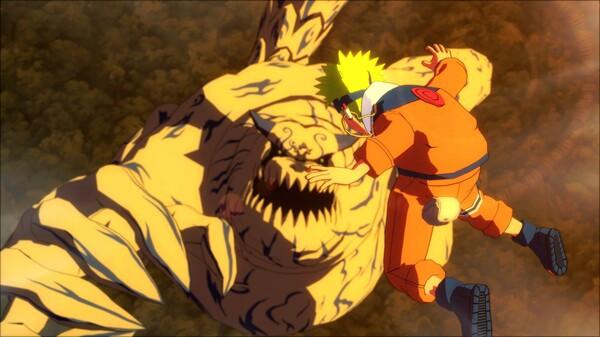
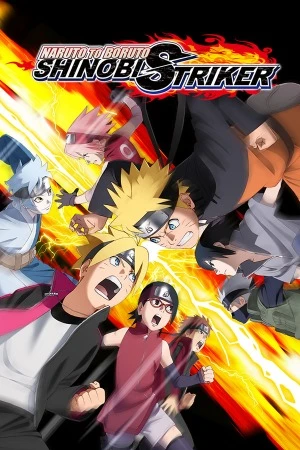
Legendary ninjas reunite in the next exciting entry of the STORM series! NARUTO X BORUTO Ultimate Ninja STORM CONNECTIONS is an action/fighting game with fast-paced ninja battles and two different story modes.
Select from more than 130 playable characters to fight in powerful ninja battles! In addition to an improved network battle experience, the new Simple mode option allows players to more easily perform various ninjutsu combos. Whether players are beginners or experts, everyone can enjoy heated battles with their favorite ninjas! Combining original scenes from the Naruto anime with the high-quality battle experience expected of the STORM series development team, this game contains highlights from the beginning of Naruto’s story up to the final battle of the series. Relive the paths of two legendary ninjas! Tomb Raider
Step-by-step setup process
Please review these important details before installation
Install necessary apps from Redist or _CommonRedist to ensure game launches without any problems.
Always extract game in Antivirus / Defender excluded folder - Please check our FAQs to know why it is important.
Always run the game as administrator
For detailed guide, make sure to read Installation Guide.txt inside the game files.
Minimum specifications needed
Action
201635.70 GB
Action
20106.70 GB
Action
201836.10 GB
Action
20084.50 GB
Action
2016165.50 GB
Action
202025.70 GB
Action
201827.50 GB
Community voices
Spot the sentiment at a glance, then dive into the stories that matter to you.
Average
/5recommend
100%
written
4
verified
2
Quick filters
Rating spread
Fresh off the press
Look for it at the top of the stream.
Es muy bueno aunq su modo historia tiene que desear, pero es recomendable la verdad
good

This is really great! But f you could make an online fix for this, that would be nice.
Leaving AnkerGames
Your about to visit the following urlInvalid URL
Sign in to join the discussion · comment, reply and react
Discussion
Comments 29
phoenix
· editedIs it Multiplayer
Salvatore
· editedWhen I try to extract the zip file, an "unexpected error" message appears. Could you help me?
alynn404
· editedThe game doesn't work, as soon as I launch it, a white screen appears with a spinning cursor, and then it crashes.
I've already installed everything in the _CommonRedist folder and disabled full-screen optimization.
All I know is that the game crashes because of ucrtbase.dll (but this DLL doesn't cause any errors in other games).
Awie
· editedGetting errors when trying to unarchive the zip file, and when using 7Zip it's showing "Unsupported compression method" on all of the files, leaving most files at 0kb when unzipped. Can we get a fix for this?
seukizeuu
Is the character Nanashi already in this version (1.70)?
david constantin
· editedwhen it will be onlime multiplayer?
Zhenxy
how do i change the controller setting, right now i used ps4 controller. so basically the "A" on xbox should be "X" in my controller, and some more, my start button is on my "R2", basically all the button have their own problem. how do i fix it?
Amr Mahammad
· editedhow can i use ps4 controller for all games ?
i try to play with pc controller and ps4 and doesnt work can anyone help?
i need to solve this proplem for all games
ABDELDJALIL OUAAR
how to get nanashi character (update)
steeve
· editeddoes this version has nanashi uchiwa ?
pat
Hello new update 1.70 is out,could you please update it?
harez
How to adjust the screen size? I cannot adjust the screen size.
joel
· editedSe puede jugar online?
herrtrollman
Hey zoro how do i mod this version of the game i cant find a mod folder
dave_frank99
Pls fix the online mode,
Thanks for ur hard work❤️