
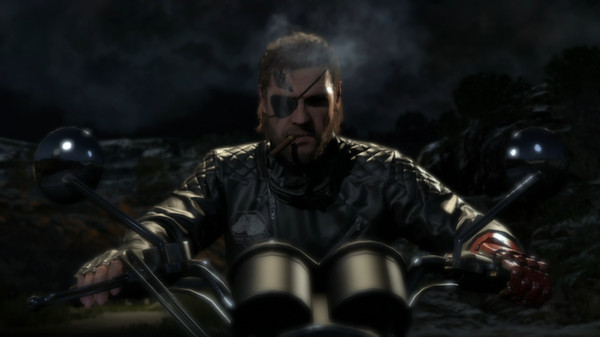
METAL GEAR SOLID V THE PHANTOM PAIN - Screenshot 1



Konami Digital Entertainment continues forth the ‘METAL GEAR SOLID V Experience’ with the latest chapter, METAL GEAR SOLID V: The Phantom Pain. Ushering in a new era for the franchise with cutting-edge technology powered by the Fox Engine, MGSV: The Phantom Pain will provide players a first-rate gaming experience as they are offered tactical freedom to carry out open-world missions.
Nine years after the events of MGSV: GROUND ZEROES and the fall of Mother Base, Snake a.k.a. Big Boss, awakens from a nine year coma. The year is 1984. The Cold War serves as the backdrop as nuclear weapons continue to shape a global crisis. Driven by revenge, Snake establishes a new private army and returns to the battlefield in pursuit of the shadow group, XOF. Metal Gear Rising Revengeance
The METAL GEAR SOLID team continues to ambitiously explore mature themes such as the psychology of warfare and the atrocities that result from those that engage in its vicious cycle. One of the most anticipated games of the year with its open-world design, photorealistic visual fidelity and feature-rich game design, MGSV: The Phantom Pain will leave its mark as one of the hallmarks in the gaming industry for its cinematic storytelling, heavy themes, and immersive tactical gamepl
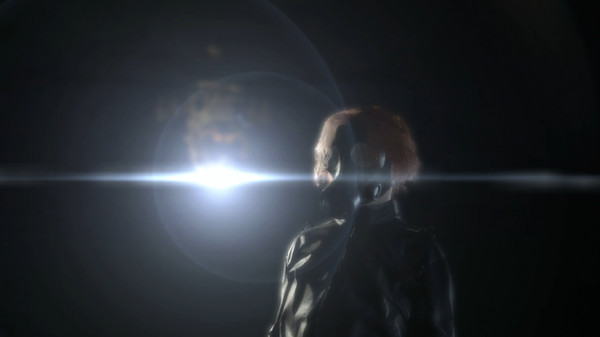
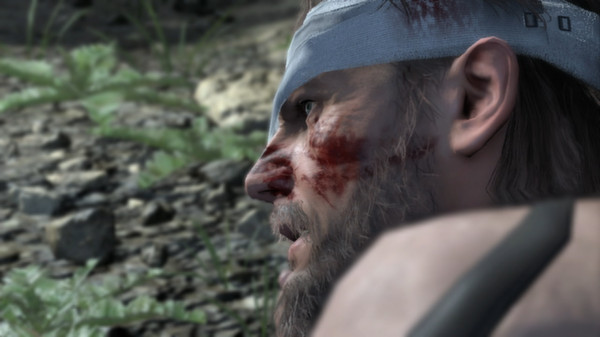
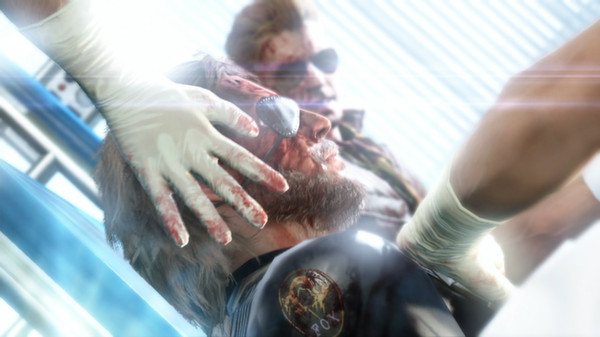
Step-by-step setup process
Please review these important details before installation
Install necessary apps from Redist or _CommonRedist to ensure game launches without any problems.
Always extract game in Antivirus / Defender excluded folder - Please check our FAQs on explanation.
Always run the game as administrator
For detailed guide, make sure to read Installation Guide.txt inside the game files.
Minimum specifications needed

Action
20142.83 GB
Action
2025106.70 GB
Action
202633.60 GB
Action
202620.00 GB

Action
202049.90 GB
Community voices
Spot the sentiment at a glance, then dive into the stories that matter to you.
Average
/5recommend
100%
written
1
verified
1
Quick filters
Rating spread
Fresh off the press
Look for it at the top of the stream.
This is a massive game in website

Leaving AnkerGames
Your about to visit the following urlInvalid URL
Sign in to join the discussion · comment, reply and react
Discussion
Comments 17
Ansh
· editedfailed to create save data exit game and delete save data
help me to fix this problem
youssef hamdy
· editedis mutliplayer works
YHWzodi
· editedHow to fix this on Windows 11, Err Message got The Code execution cannot proceed because MSVCP110.dill was not found. Reinstalling the program may fix this problem.
marc
TO THOSE WITH BLACKSCREENS/ERRORS/NOT LAUNCHING.
EXTRAT THE GAME FOLDER ITSELFT WHERE U WANT IT, AND ADD THAT FOLDER TO THE DEFENDER EXCLUCIONS
THEN IN THE WINRAR FILES, THERE IS A "WIN11FIX" RAR
OPEN THOSE FODER AND EXTRACT THEM IN THE GAME DIRECTORY, REPLACE EVERYTHING AND IT SHOULD WORK.
ganesh
· editedit is showing "Failed to create Save data.Exit the game and delete save data"
bay harbor Gooner
· editedThe application was unable to start correctly (0x000007b).......
Afiful Islam
· editedHow do I fix the Greeting CPY problem?
Divyansh Kanwar
· editedblack screen when you enter mgsvmgo cant open mgsvtpp.
using windows 11 asus tuf rtx 3060.
can anyone help ?
joonas0.2
· editedblack screen when you enter mgsvmgo cant open mgsvtpp.
Sudeep
Thanks it's working
zara
thanks for the window 11 fix. I just copied its content into game folder and opened the bigger exe file and it opened finally. Thanks.
But many other games in this channel also do not work provide fix for them also.
sigmaboy
· editedwhy does the window 11 fix not work
thedog
· editedzoro can you fix the black screen
amine
· editedhello when lunching it appears MPC100.dll missing what should i do
thedog
· editedi have black screen to