
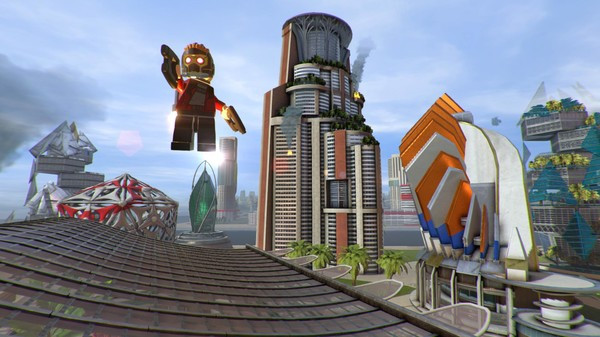
LEGO MARVEL Super Heroes 2 - Screenshot 1



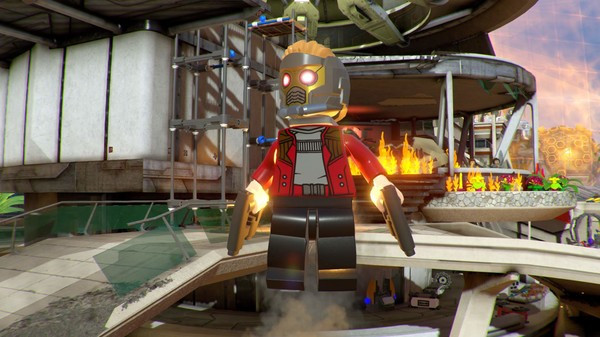
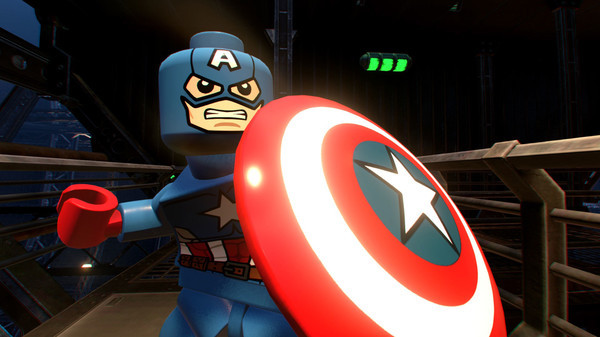
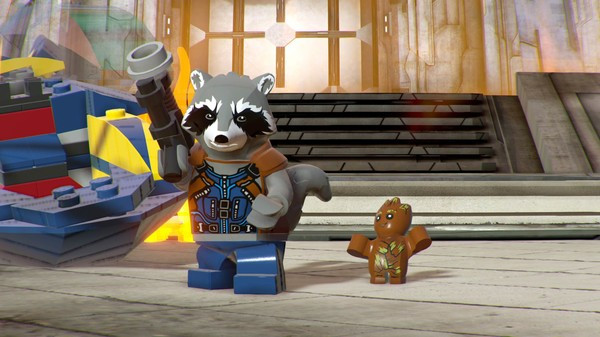
It's about TIME! Join your favorite Super Heroes and Super Villains from different eras and realities as they go head-to-head with the time-traveling Kang the Conqueror in the all-new, original adventure, LEGO® Marvel Super Heroes 2! Play as the Guardians of the Galaxy, Spider-Man, Thor, Hulk, Black Panther, Captain Marvel, Doctor Strange, Green Goblin and dozens of other Marvel Super Heroes and Villains in this cosmic battle across the time-tossed city of Chronopolis!
Travel across lands -- from Ancient Egypt to The Old West, Sakaar and New York City in 2099 -- and transport objects or characters through the centuries! And, with new battle modes, friends and family can play against each other in a series of themed challenges and battle arenas!LEGO® MARVEL Super Heroes 2 delivers an imaginative and expansive adventure set in the Marvel universe, combining the humor and charm of LEGO games with an impressive multiverse concept.
Step-by-step setup process
Please review these important details before installation
Install necessary apps from Redist or _CommonRedist to ensure game launches without any problems.
Always extract game in Antivirus / Defender excluded folder - Please check our FAQs to know why it is important.
Always run the game as administrator
For detailed guide, make sure to read Installation Guide.txt inside the game files.
Minimum specifications needed
Action
202637.97 GB
Action
20123.50 GB
Action
201716.20 GB
Action
20124.60 GB

Action
201540.20 GB
Community voices
Spot the sentiment at a glance, then dive into the stories that matter to you.
Average
/5recommend
100%
written
1
verified
1
Quick filters
Rating spread
Fresh off the press
Look for it at the top of the stream.
Is a excelent game


Leaving AnkerGames
Your about to visit the following urlInvalid URL
Sign in to join the discussion · comment, reply and react
Discussion
Comments 8
fabricio
· editedIt's not blocking the ransomware, and yet it won't save.
fabricio
· editedI couldn't set the language to Portuguese.
Default is "portuguese".
language = portuguese
fabricio
I couldn't set the language to Portuguese.
[steam]
appid = 647830
Current game language.
Default is "portuguese".
language = portuguese
omar
· editedbro the game doesn't save progress
Taylor Fay
can i use a controller even tho its on pc?
Xpekwl
· editedgame opens screen goes black and crashes nothing happens ive tried reinstalling
Jamder
One question, can the game be put in Spanish?
peter