

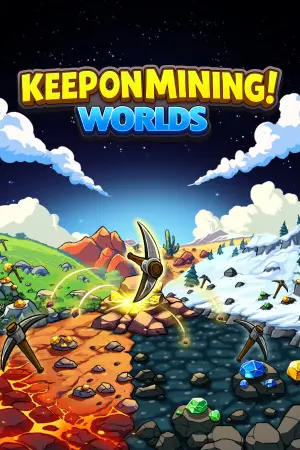
Keep on Mining! - Screenshot 1



Keep on Mining! is a simple incremental game. Hover your cursor over rocks to automatically mine them. Any rock inside the mining area will spawn pickaxes that mine for you! Mined rocks drop ores, which are crafted into bars. There is a variety of different material rocks to be mined!
Spend your material bars to unlock upgrades inside the skill tree. These upgrades permanently boost your stats, letting you mine rocks with more power! Spend your material bars to unlock upgrades inside the skill tree. These upgrades permanently boost your stats, letting you mine rocks with more power! Use different materials to craft new pickaxes. Each new pickaxe has better stats, helping you mine faster and hit harder! Every time you level up, you earn a talent point. Spend talent points to reveal 3 random talent cards — pick one to keep! Choosing a card increases the talent level, but also increases rock HP. Once you unlock the mine, it will automatically mine rocks and instantly craft bars for you. The Mine is the idle mechanic of Keep on Mining!


Step-by-step setup process
Please review these important details before installation
Install necessary apps from Redist or _CommonRedist to ensure game launches without any problems.
Always extract game in Antivirus / Defender excluded folder - Please check our FAQs to know why it is important.
Always run the game as administrator
For detailed guide, make sure to read Installation Guide.txt inside the game files.
Minimum specifications needed
Casual
2026 0.25 GB
Simulation
2025 0.33 GB
Community voices
Spot the sentiment at a glance, then dive into the stories that matter to you.
Average
/5recommend
100%
written
0
verified
1
Quick filters
Rating spread
Fresh off the press
Look for it at the top of the stream.





Leaving AnkerGames
Your about to visit the following url Invalid URL
Sign in to join the discussion · comment, reply and react
Discussion
Comments 1
Alexander Juárez
· editedGame opens directly from the .exe but running the Run Me!.bat file displays "Γ¥î EXE not found", js wanted to share