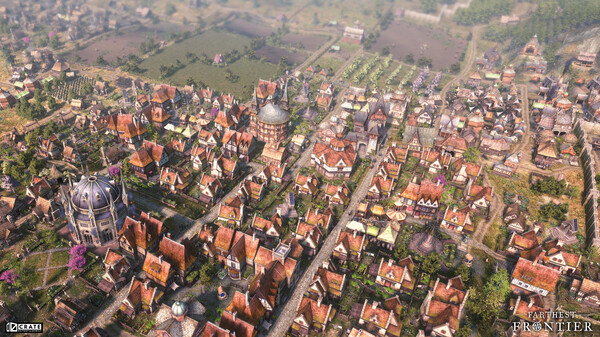
Farthest Frontier - Screenshot 1



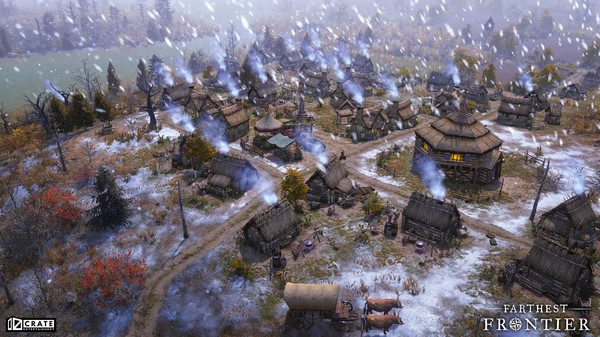
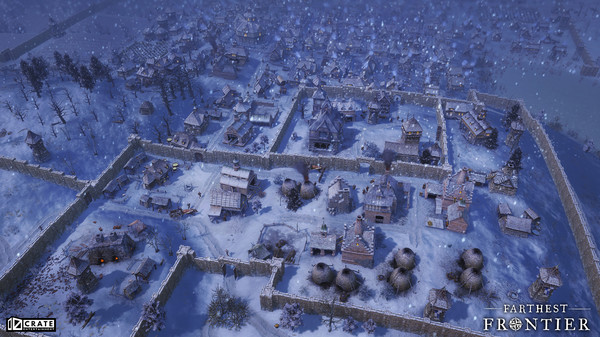
Protect and guide your small band of settlers to forge a town from untamed wilderness at the edge of the known world. Harvest raw materials, hunt, fish and farm to sustain your advancing town. Produce crafted items for villagers to trade, consume, equip and fight with as you battle for your survival against the elements and outside threats (pacifist mode available for players who do not want to engage in combat).
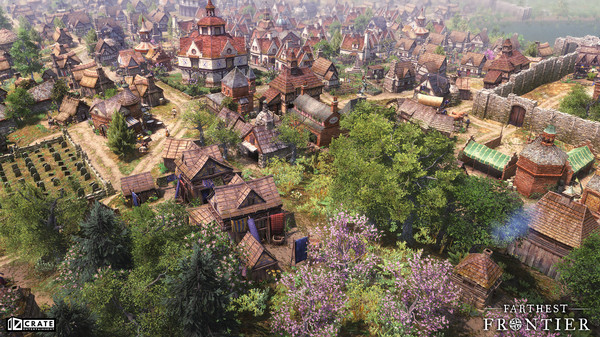
Harvest 16 different raw materials from wood, stone and clay, to metal ores, wild herbs, and honey. Grow 19 types of food, including forage items, fish and game, plus 12 food crops, each with different characteristics. Produce 32 crafted items and materials in a multi-tiered economy. Construct over 190 different buildings as you grow your town from a fledgling settlement to a bustling city. Your town center and housing will advance through multiple building tiers as the prosperity and desirability of your town increases and advancements are made in a vast 140+ point Tech Tree. Upgrade production buildings to increase efficiency and enable production of more advanced items. Construct a temple and customize your people’s faith with discoverable relics.
Strategically select from 12 crops with unique growing characteristics and configure crop rotations to maintain soil fertility, avoid heat and frost damage, and prevent the accumulation of diseases. Cultivate your fields over time, removing weeds and rocks, raising fertility and adjusting soil mixture to achieve maximum crop production to keep your growing population fed.
Step-by-step setup process
Please review these important details before installation
Install necessary apps from Redist or _CommonRedist to ensure game launches without any problems.
Always extract game in Antivirus / Defender excluded folder - Please check our FAQs to know why it is important.
Always run the game as administrator
For detailed guide, make sure to read Installation Guide.txt inside the game files.
Minimum specifications needed
Community voices
Spot the sentiment at a glance, then dive into the stories that matter to you.
Average
/5recommend
100%
written
1
verified
1
Quick filters
Rating spread
Fresh off the press
Look for it at the top of the stream.
otro 10/10 no me gusto porque es muy lento jaja pero funciona al 100%


Leaving AnkerGames
Your about to visit the following urlInvalid URL
Sign in to join the discussion · comment, reply and react
Discussion
Comments 2
nogorae
Thanks for the quick update.
Garrett Slater
· editedhow does one install mods for this?