
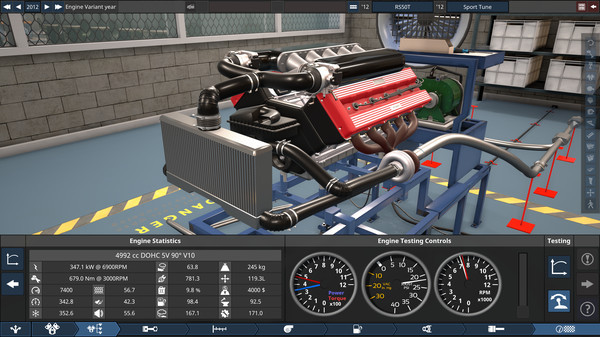
Automation The Car Company Tycoon - Screenshot 1



Design the cars of your dreams, and build an automotive business empire with them! Choose to make cars that evoke excitement and set the imagination alight, or cars that are the literal wheels the world’s economy rolls upon; with Automation, the possibilities are limited only by your imagination!
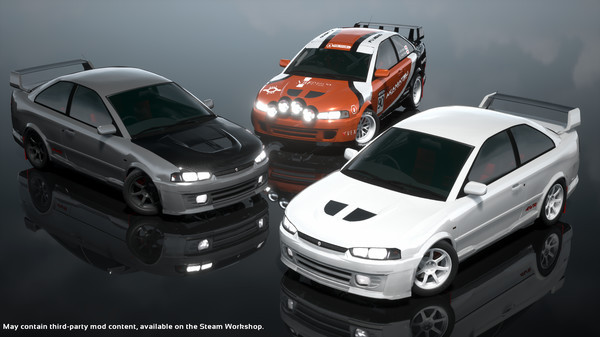
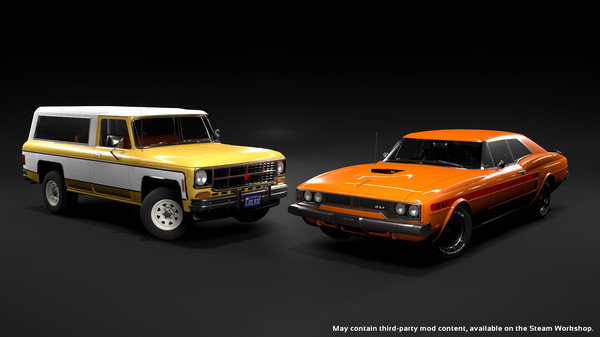
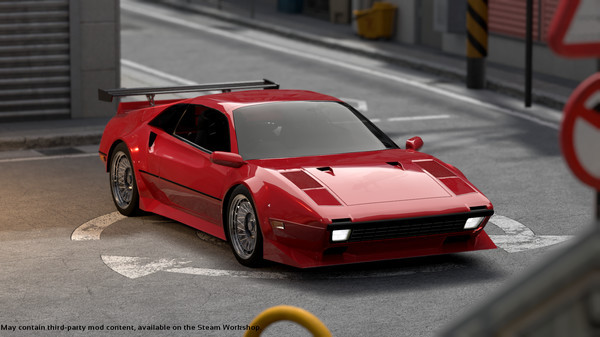
Automation is an automotive design simulator, featuring vehicles and technologies from 1946 to 2020. Use Automation’s unparalleled engine and car design tools to create your perfect car, then build and market them to a car-hungry public in the Campaign Mode! Export your creations to BeamNG.drive (sold separately) with the one-click export tool and share them with others, or experience them for yourself on the road and on track! In Automation, players use the comprehensive engine and car design tools to turn their ideas into reality; shape, cut, re-shape and adorn thousands of car bodies with a wide variety of lights, mouldings and other parts to achieve the style you want. Design the perfect engine to go in your car; whether it is a large, powerful V12 or a small, efficient inline-3, nearly all common engine layouts are possible! Dirt 4
Step-by-step setup process
Please review these important details before installation
Install necessary apps from Redist or _CommonRedist to ensure game launches without any problems.
Always extract game in Antivirus / Defender excluded folder - Please check our FAQs to know why it is important.
Always run the game as administrator
For detailed guide, make sure to read Installation Guide.txt inside the game files.
Minimum specifications needed

Early Access
Action
202517.50 GB
Action
201720.40 GB

Simulation
20211.40 GB
Community voices
Spot the sentiment at a glance, then dive into the stories that matter to you.
Average
/5recommend
100%
written
1
verified
1
Quick filters
Rating spread
Fresh off the press
Look for it at the top of the stream.
Works great, If the game says you don't have a license, launch it from "UE427\AutomationGame\Binaries\Win64\AutomationGame-Win64-Shipping.exe" and not the steam exe.
Leaving AnkerGames
Your about to visit the following urlInvalid URL
Sign in to join the discussion · comment, reply and react
Discussion
Comments 12
Akshit
Does anyone know how i can use mods with this?
etihad
· editedi don't can extract the .zip file!
haris11
· editedIt kept giving me Application Steam Launcher error
Even if i skipped it, it proceeded to give multiple errors regarding Steam Profiile, after skipping those
it said that there were 2 files named the same in the folder and when i clicked on either option, the game wouldnt extract properly
rex_trex69420
· editedHow to extract all files, the file explorer showed me that a lot of files cannot successfully extract
boyisfish88
· editednot working. play button doesnt work and says no license. no threats in windows defender
Fnarf
· editedDont have licenses, installed with anti-virus off is it broken or just a mistake on my end?
Edwi
· editedUPDATEE PLSSSS
rpmn0ise
· editedthe game work perfectly, the beamng export work. good game and thanks for this!
Ethan August
· editedTried installing on Steam OS and it says license is missing.
isaacthomasen2
· editedis this the latest update? if not then can you update it
peter
peter