
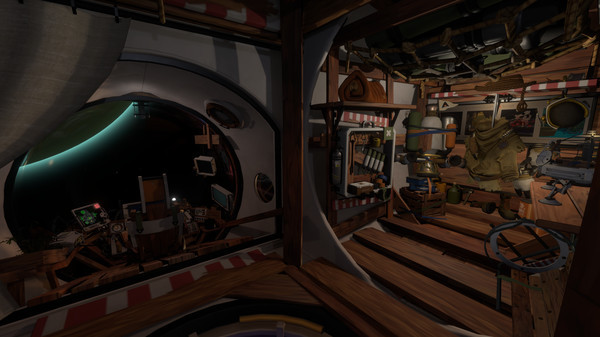
Outer Wilds - Screenshot 1



Winner of Best Game at the 2020 BAFTA Games Awards and named Game of the Year 2019 by Giant Bomb, Polygon, Eurogamer, and The Guardian, Outer Wilds is a critically-acclaimed and award-winning open world mystery about a solar system trapped in an endless time loop.
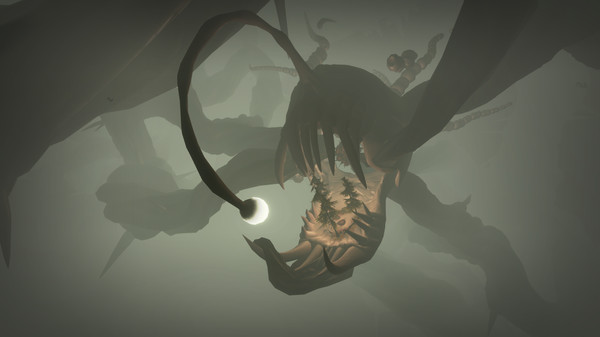
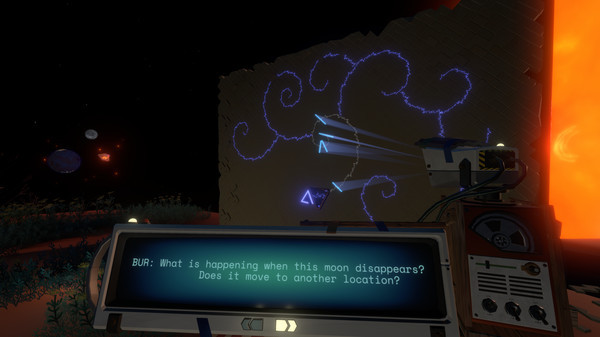
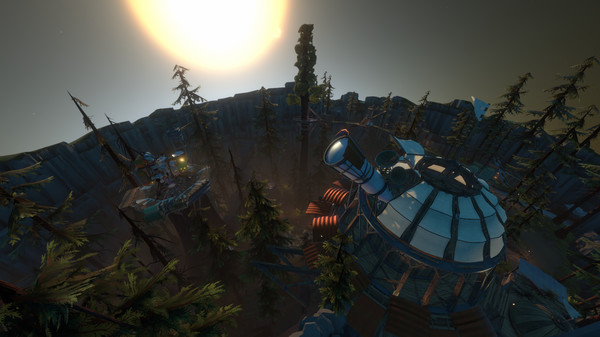
You're the newest recruit of Outer Wilds Ventures, a fledgling space program searching for answers in a strange, constantly evolving solar system. What lurks in the heart of the ominous Dark Bramble? Who built the alien ruins on the Moon? Can the endless time loop be stopped? Answers await you in the most dangerous reaches of space. The planets of Outer Wilds are packed with hidden locations that change with the passage of time. Visit an underground city before it's swallowed by sand, or explore the surface of a planet as it crumbles beneath your feet. Every secret is guarded by hazardous environments and natural catastrophes. Kill It With Fire 2
Step-by-step setup process
Please review these important details before installation
Install necessary apps from Redist or _CommonRedist to ensure game launches without any problems.
Always extract game in Antivirus / Defender excluded folder - Please check our FAQs to know why it is important.
Always run the game as administrator
For detailed guide, make sure to read Installation Guide.txt inside the game files.
Minimum specifications needed
This build ships with the online fix, so multiplayer and co-op work over the internet with friends running the same version — no extra patch to download. Everyone joins through the game's own lobby or invite system; keep the build identical on all machines when a new version is released. All games with an online fix
Action
202212.70 GB
Community voices
Spot the sentiment at a glance, then dive into the stories that matter to you.
Average
/5recommend
88%
written
1
verified
1
Quick filters
Rating spread
Fresh off the press
Look for it at the top of the stream.

Literally the best game of all time. Go in blind. Enjoy the ride. Be forever changed :D This game uses 100% of the medium gaming!



Leaving AnkerGames
Your about to visit the following urlInvalid URL
Sign in to join the discussion · comment, reply and react
Discussion
Comments 19
Blue
it works no problem for me. I didn't rlly like the game... so i didn't finish it but i gotta say the game ran flawlessly
L.J
· editedEven after adding it to steam and running from outerwilds.exe, it still says steam is not launched
krishna
how can i play it online with my friend can any one please tell how to do it
Deleted User
1) Navigate to the extracted folder and go inside 'Outer Wilds'
2) Run: echo 480 > steam_appid.txt (If you dont want to use a terminal create a file with the name steam_appid.txt and write 480 inside of it)
3) Add Spacewar to your Steam library and download it (Terminal: steam steam://install/480)
4) In the bottom left corner > Add a Game > Add a Non-Steam Game > Browse > select your .exe
5) Right click the game > Properties > Shortcut > Launch Options, and add this:
WINEDLLOVERRIDES="OnlineFix64=n;SteamOverlay64=n;winmm=n,b;dnet=n;steam_api64=n;winhttp=n,b" %command% --rendering-driver vulkan
6) Compatibility > Force the use of a specific Steam Play compatibility tool > select a Proton version
Ultralamp87
· editedwhen i try to run the game it shows error 0x80004005
P Dizzles
· editedis it possible to get the latest version of this uploaded? its currently on 20230391. Thank you!!
nike
· editedis the game file safe or it have malware
samytby
· editedupdate ? multiplayer doesn't work
Zoro
Adminpeter
Zoro
Adminpeter
Zoro
Adminpeter
Zoro
Admin