
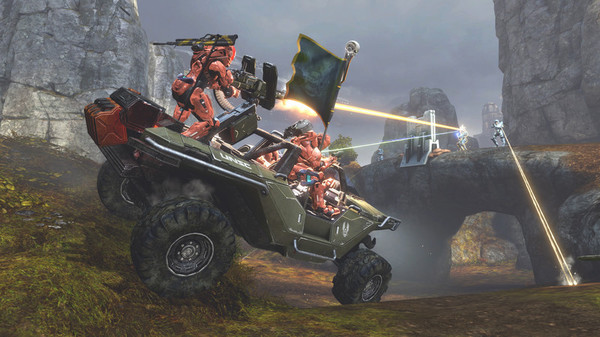
Halo The Master Chief Collection - Screenshot 1



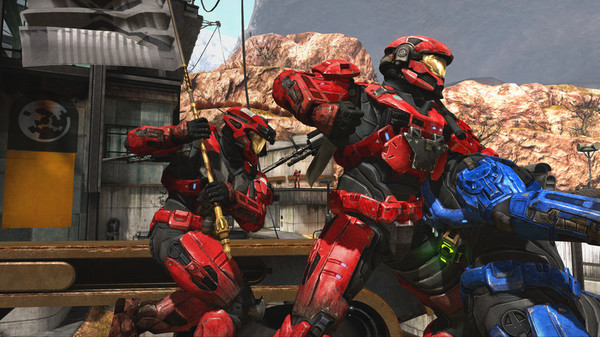
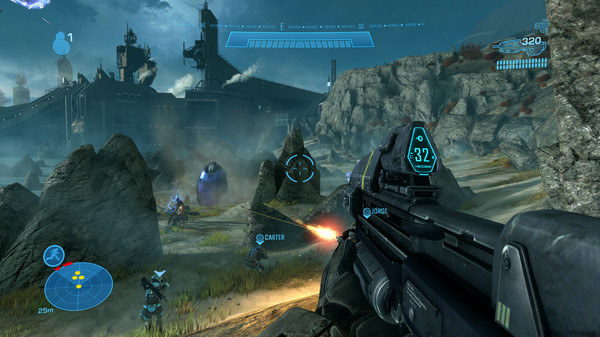
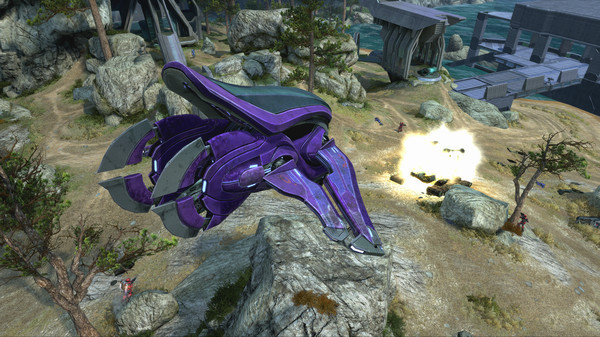
The series that changed console gaming forever is on PC with six blockbuster games in one epic experience. Halo: The Master Chief Collection is now optimized for PC and looking better than ever at up to 4k UHD and at 60+ FPS.* Other setting options include customizable mouse and keyboard support, ultrawide support, FOV customization, and more.
Featuring Halo: Reach, Halo: Combat Evolved Anniversary, Halo 2: Anniversary, Halo 3, Halo 3: ODST Campaign, and Halo 4, The Master Chief Collection offers players their own exciting journey through the epic saga. Starting with the incredible bravery of Noble Six in Halo: Reach and ending with the rise of a new enemy in Halo 4, the Master Chief’s saga totals 67 campaign missions over six critically-acclaimed titles. Each of the six games in The Master Chief Collection brings its own multiplayer maps, modes and game types. With more than 120 multiplayer maps and countless ways to play with community-created Forge content the Collection has the most diverse and expansive Halo multiplayer experience to date.Katana ZERO
Step-by-step setup process
Please review these important details before installation
Install necessary apps from Redist or _CommonRedist to ensure game launches without any problems.
Always extract game in Antivirus / Defender excluded folder - Please check our FAQs to know why it is important.
Always run the game as administrator
For detailed guide, make sure to read Installation Guide.txt inside the game files.
Minimum specifications needed
Action
202666.40 GB
Community voices
Spot the sentiment at a glance, then dive into the stories that matter to you.
Average
/5recommend
100%
written
2
verified
0
Quick filters
Rating spread




Leaving AnkerGames
Your about to visit the following urlInvalid URL
Sign in to join the discussion · comment, reply and react
Discussion
Comments 34
Bilal
· editedCan someone please identify from where the game properly launches? and it doesn't work from the Binaries folder, I don't have steam, can it not run in offline mode?
ghdfrank
· editeddoes it have multiplayer version?
uzumaki04
· editedcan we play this in co-op mode through steam friends??
someone
does the game have LAN play
Master Chief
· editedThe game works fine but the username (Noob) how can i change that user name ? and for some reason the Halo The Master Chief Collection / MCC / Binaries / Win64 / MCC-Win64-Shipping.exe not launching the game it only launche from the MCC-Launcher in game folder
Santiago
· editedHey, Zoro. Thanks for the Update.
Here the procedure I'm following:
1. Turned off Firewall and windows defender, Downloaded files to a whitelisted folder using FDM.
2. Already have installed Redist and prerequisites.
3. Extracted with 7-Zip (Antivirus still off).
4. Launch the game as administrator from Halo The Master Chief Collection / MCC / Binaries / Win64 / MCC-Win64-Shipping.exe
5. It opens Steam and there's an error tab saying "An error occurred while launching this game: No licenses".
Santiago
· editedI tried all recommendations, downloaded all requirements, turned off all of defender and firewall, downloaded with FDM, internet on and of during extraction, I open the correct file as admin, but I cant pass the xbox sign in tab. Please help.
craig
· editedit just says that the games arent downloaded and then when i accept to download them nothing happens
Abraham
· editedCan someone pls explain to me how to get past the sign in? The game is unplayable.
JALAJ
IT SHOWS MISSING CONTENT WHILE I TRY TO OPEN ANY HALO GAME. SOLUTION?
Abraham
It keeps asking for me to sign in and i cant get past it.
Dr.Awkward
i cant get past the title screen. it says it cant connect to xbox live. i cant get to the menu without this message popping up. please help.
Dr.Awkward
it gets to the title but gives an error about not being able to connect to xbox live. clicking cancel or closing the window brings me back, and retry button makes the game hang indefinitely.
Invidia
I am having the exact same problem as viverde. Download for any of the games stays stuck at "0% of 0.0 GB". I uninstalled all of it and I guess I'll try to reinstall in a few days in a folder completely excluded from the antivirus, but I doubt that was the problem since defender didn't detect anything wrong with the game though.
viverde
Hi @Zoro, I just downloaded the file last May 30, 2025 I don't know if there any difference. Please let me know if there was an update yesterday or today as the last updated for Halo was 5 days ago. As stated yesterday, (I have already attempted several troubleshooting steps, including restarting my system, re-downloading the file, re-extracting using different extractors, running the .exe with and without an internet connection, and disabling AV Defender. Unfortunately, the issue persists.). Hope you understand my situation. Thank you.