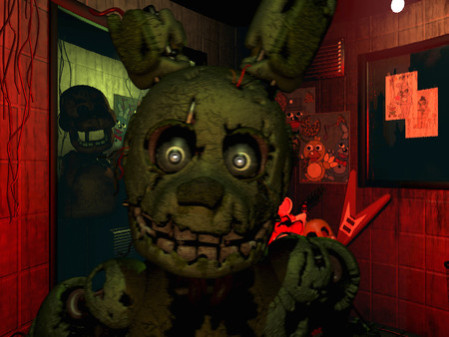
Five Nights at Freddy’s 3 - Screenshot 1



Thirty years after Freddy Fazbear's Pizza closed it's doors, the events that took place there have become nothing more than a rumor and a childhood memory, but the owners of "Fazbear's Fright:
The Horror Attraction" are determined to revive the legend and make the experience as authentic as possible for patrons, going to great lengths to find anything that might have survived decades of neglect and ruin. At first there were only empty shells, a hand, a hook, an old paper-plate doll, but then a remarkable discovery was made. The attraction now has one animatronic.
The gameplay is very similar. You know the deal by now, I'd wager: Cameras to monitor where Springtrap is. But now, instead of doors or a mask to keep you safe, you have systems to maintain: Audio, camera, and ventilation. These are old systems, in order to keep authenticity, and they will break. This forces you away from the cameras to your reboot menu, where you'll spend agonizing seconds not only regaining order, but losing track of where Springtrap has gone. And heaven forbid you look away from your cameras at the wrong time, linger too far away from them, or even stare at them for too long.
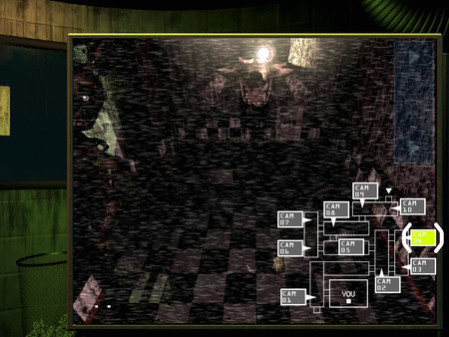
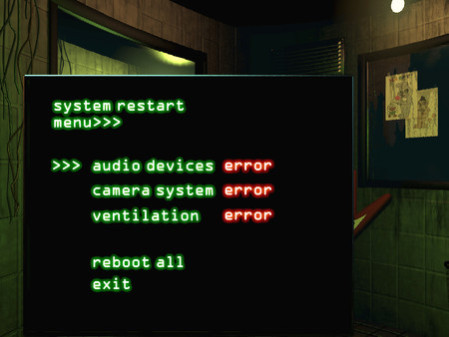
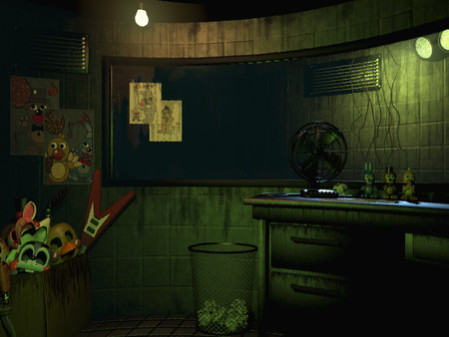
Step-by-step setup process
Please review these important details before installation
Install necessary apps from Redist or _CommonRedist to ensure game launches without any problems.
Always extract game in Antivirus / Defender excluded folder - Please check our FAQs to know why it is important.
Always run the game as administrator
For detailed guide, make sure to read Installation Guide.txt inside the game files.
Minimum specifications needed

Action
20150.99 GB

Horror
20140.21 GB

Action
20160.89 GB

Early Access
Action
202517.50 GB
Community voices
Spot the sentiment at a glance, then dive into the stories that matter to you.
Average
/5recommend
100%
written
1
verified
1
Quick filters
Rating spread
Fresh off the press
Look for it at the top of the stream.
Good




Leaving AnkerGames
Your about to visit the following urlInvalid URL
Sign in to join the discussion · comment, reply and react
Discussion
Comments
Start the conversation
Be the first one to share your thoughts!