
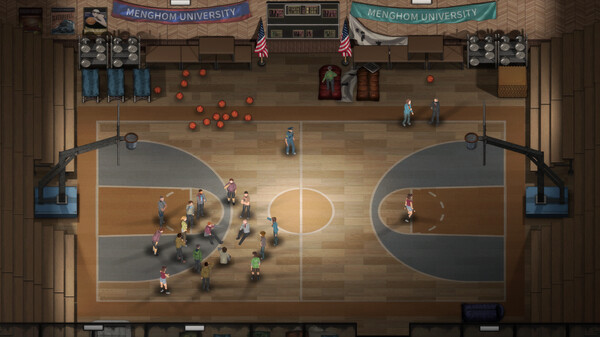
Dread Dawn - Screenshot 1



This is an open-world zombie survival sandbox game set in a city quarantined due to an unknown virus. You will play as a student in the city who failed to catch the evacuation convoy to escape the disaster and was forced to stay. As a modern metropolis, the city is fully equipped with public facilities including hospitals, subway stations, prisons, and schools, Etc。
You need to stay in the school with the other survivors who remained in the city, defending your camp and surviving. Utilizing the various materials collected for construction can enhance your camp's defense capabilities. These zombies like to invade your camp when your attention is relaxed. You can plant some food in the spare areas of your camp, or raise chickens to get eggs. In the absence of food sources, this is a necessary skill for ensuring survival. The surplus crops can also be used for trading with other survivors.. Granny Escape Together
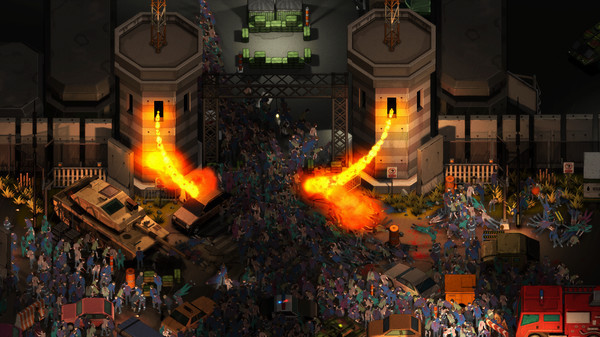
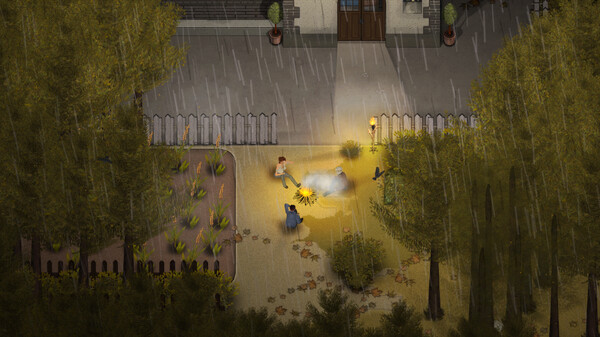
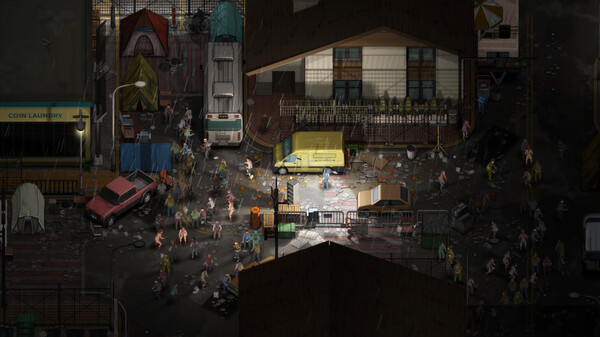
Step-by-step setup process
Please review these important details before installation
Install necessary apps from Redist or _CommonRedist to ensure game launches without any problems.
Keep your antivirus on. If it quarantines a file and the game will not start, do not exclude the folder or switch protection off. Compare the archive's SHA-256 with the hash listed for the download, where there is one, then follow our Safety & Verification page to report it. If you decide to restore a file, restore that one file only.
Run the game as administrator only if it will not start or cannot save without it.
For a detailed guide, read the Installation Guide on our website.
Minimum specifications needed
Community voices
Spot the sentiment at a glance, then dive into the stories that matter to you.
Members earn 100 site points for an approved review of a game they downloaded here.
Average
/5recommend
0%
written
0
verified
0
Quick filters
Rating spread
Leaving AnkerGames
Your about to visit the following url Invalid URL
Sign in to join the discussion · comment, reply and react
Discussion
Comments 4
Pinned by moderators
Kunin
· editedLinus
· editedI can't play "'The current game version is not the latest. please update to the latest version on steam." 2026.11.03.
If I unplug the ethernet it still displays this. Idk how it does that, magically knowing that it has a newer version.
mxyzptlk151
· editedThe current game version is not the latest.
Please update to the latest version on Steam.
mxyzptlk151
· editedI can't play the game .
The current game version is not the latest.
Please update to the latest version on Steam.