

Dragon Age: Origins - Ultimate Edition - Screenshot 1



You are a Grey Warden, one of the last of this legendary order of guardians. With the return of mankind's ancient foe and the kingdom engulfed in civil war, you have been chosen by fate to unite the shattered lands and slay the archdemon once and for all. Explore a stunning world, make complex moral choices, and engage in bone-crushing combat against massive and terrifying creatures.
The story of the Grey Wardens continues as you are named their commander. Fight new enemies, learn new skills and spells, and explore an all-new area of the world, Amaranthine. Collect new rewards, gain new party members, and more as you delve deeper into the Dragon Age storyline. (Critically acclaimed winner of more than 50 awards including over 30 'Best of 2009' awards.


Step-by-step setup process
Please review these important details before installation
Install necessary apps from Redist or _CommonRedist to ensure game launches without any problems.
Always extract game in Antivirus / Defender excluded folder - Please check our FAQs to know why it is important.
Always run the game as administrator
For detailed guide, make sure to read Installation Guide.txt inside the game files.
Minimum specifications needed
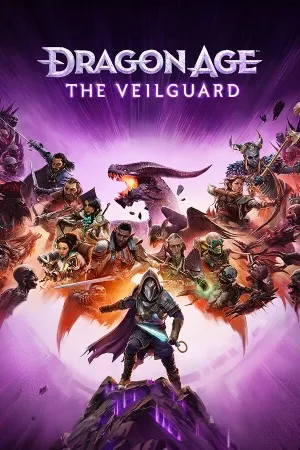
Action
202484.10 GB
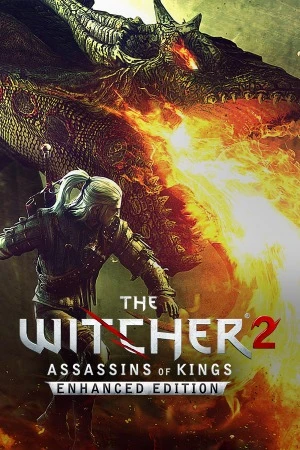
Fantasy
201112.00 GB
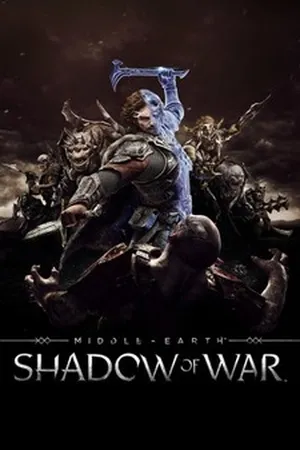
Action
2018149.60 GB
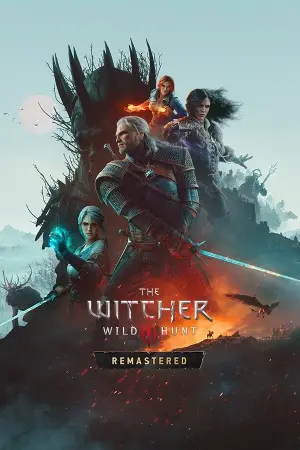
Adventure
201563.00 GB
Community voices
Spot the sentiment at a glance, then dive into the stories that matter to you.
Average
/5recommend
100%
written
2
verified
2
Quick filters
Rating spread
Fresh off the press
Look for it at the top of the stream.

One of the best old tactic rpg games out there.

The best first series.
Leaving AnkerGames
Your about to visit the following urlInvalid URL
Sign in to join the discussion · comment, reply and react
Discussion
Comments 6
Daniella
For everyone who has a compatibility issue with "PhysXLoader.dll", go into the "redist" folder and double-click on "PhysX_9.09.0408_SystemSoftware" to install the software
_asgore
· editedsomething is wrong with this version, no DLC availables.
nahuel
· editedis the gog version ?
Pidapi6
даже очень неплохо
PRATHAM
· editedWhen I open the game and click play, it says "The code execution cannot proceed because PhysXLoader.dll was not found." How do I fix this?
Rodrigo
· editedMy game crashes and closes everytime I click on Start New Game. It goes to the loading screen and closes after about 5 to 10 seconds. No error messages pop, but the first time it pop up a compatibility config issue. Any thoughts on how to make it work?