
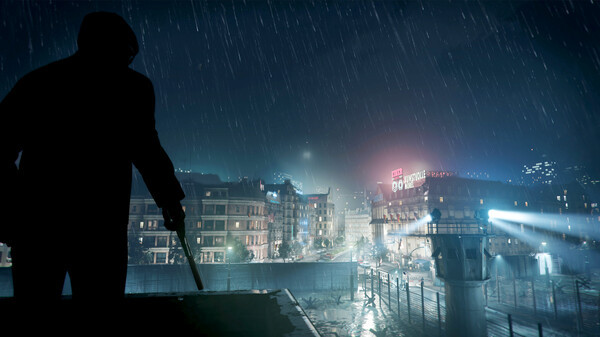
Call of Duty: Black Ops Cold War - Screenshot 1



Black Ops Cold War, the direct sequel to Call of Duty®: Black Ops, will drop fans into the depths of the Cold War’s volatile geopolitical battle of the early 1980s. Nothing is ever as it seems in a gripping single-player Campaign, where players will come face-to-face with historical figures and hard truths, as they battle around the globe through iconic locales like East Berlin, Vietnam, Turkey, Soviet KGB headquarters and more.
I really enjoyed the Multiplayer, Campaign, and especially Zombies — it was a great experience. Unfortunately, the game crashes every 10 minutes, which made it hard to keep playing. I’ve updated my drivers and tried adjusting the settings, but nothing worked. I would’ve loved this game if it were more stable. Sadly, I had to request a refund. ARMORED CORE VI FIRES OF RUBICON
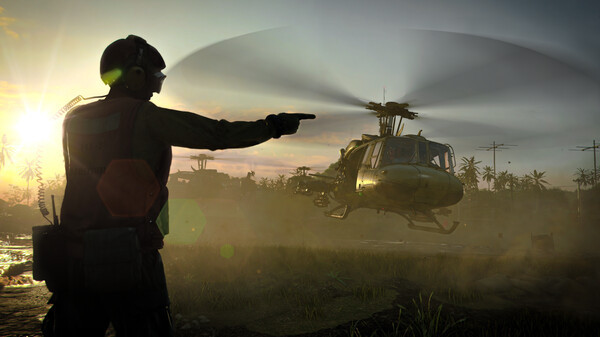
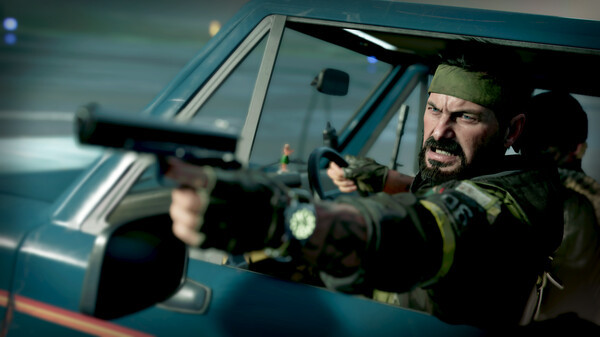
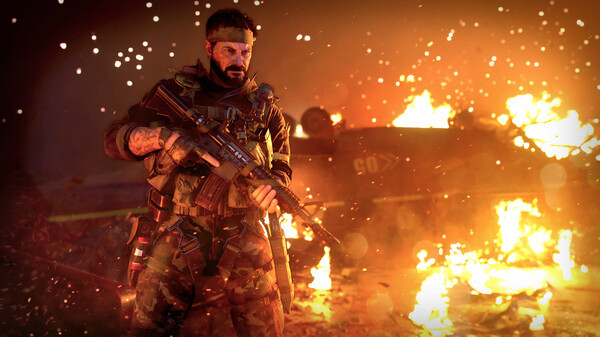
Step-by-step setup process
Please review these important details before installation
Install necessary apps from Redist or _CommonRedist to ensure game launches without any problems.
Always extract game in Antivirus / Defender excluded folder - Please check our FAQs to know why it is important.
Always run the game as administrator
For detailed guide, make sure to read Installation Guide.txt inside the game files.
Minimum specifications needed
Action
201220.60 GB
Action
201114.00 GB
Action
2019191.90 GB
Action
202447.20 GB

Action
2023167.90 GB
Community voices
Spot the sentiment at a glance, then dive into the stories that matter to you.
Average
/5recommend
100%
written
2
verified
1
Quick filters
Rating spread
Fresh off the press
Look for it at the top of the stream.
very good campaign, enjoy!

Great game to play I REALLY LOVE THE STORY (except the hallucinations, drugs, craps ) and it is playable with my GTX 1660 Super / 8 GB RAM
Leaving AnkerGames
Your about to visit the following urlInvalid URL
Sign in to join the discussion · comment, reply and react
Discussion
Comments 46
Pinned by moderators
Carzed
Mod · editeduninstall battle net copy paste the v5 crack then open cod a comand will open then the game crop the the head to command press enter worked for me
https://ankergames.net/game/call-of-duty-black-ops-cold-war?message_type=single&message_id=69790 as said by kurra
ab
when you download the game, does it give you all the DLCS and unlocks everything? or does it start you from level one and you have to get everything on your own cause im trying to do camo grind please someone let know. and if it does unlock everything can yall please turn that off i need a fresh start
mukul
· editedAfter Battle.net pop up i am facing this folder doesn't contain the correct version of this game. Please check the installation path and try again
tell me how can i fix it?
Mr.BigUnc
· editedThe game doesn't work for me I tried the comment talking about the video did all the steps and replaced the files but in the end nothing changed it crashes adn whenver i run the launcher it pulls up battle.net and says it's the wrong game file.
Say-Ef
· editedcan I play warzone and zombies on this??
Marcus
· editedHow to launch the game???
Davi
· editedis online available?
BetaBlueNumber2
· editedIf you're getting the popup error with the "Fix and repair" then you need to follow this video and it will show you how to fix it. Wish i'd known this before i wasted so much time redownloading again.
https://www.youtube.com/watch?v=2d_XBHH_D6Q
rizki
· editedwhy i can't run call of duty black ops cold war how fix it
bbus
· editedhow much space do i need for the whole zip and extracted file guys
rizki
· editedcan ryzen 7 7735 RTX 3050 6Gb ram 16 Gb can run this game
Rama
· editedguys, does it work for WIN 11 version 25H2?
poo man
· editedty ankergames for saving me 60 bucks
desolation
· editeddoes multiplayer work? or is it simply an offline playthrough
jason lee
· editedI downdoad the flie and trynna play but battlenet app pop up and says u don't own the game how to fix this